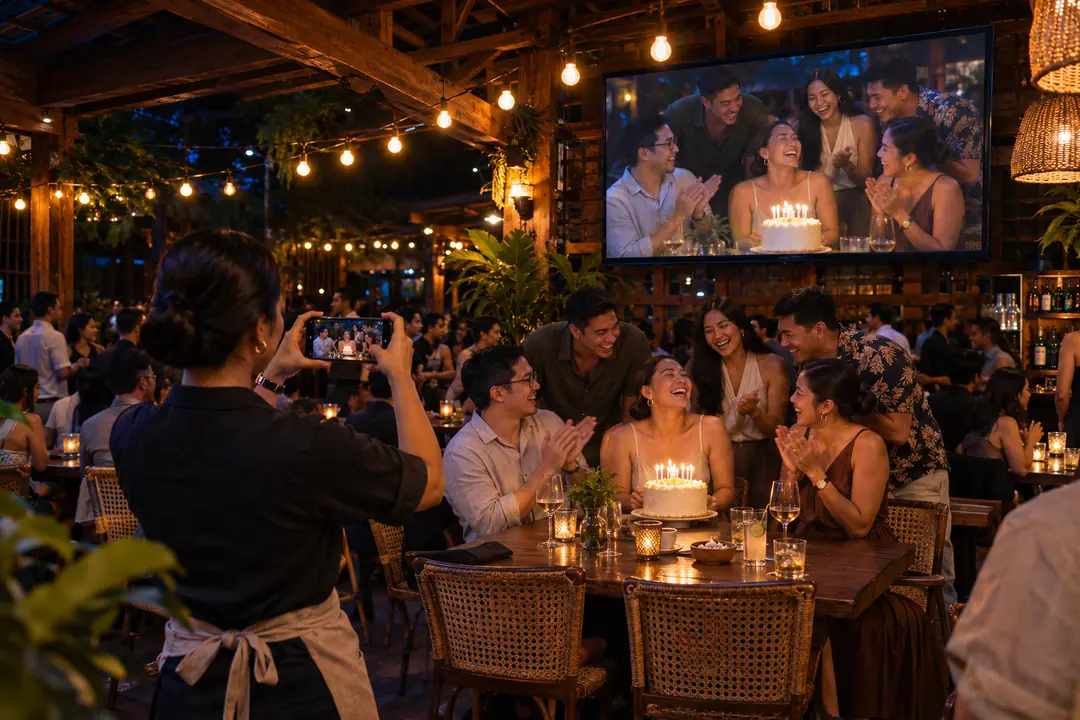
Set up your venue wall
Add your venue name and logo, name the event and choose the wall look. Put your venue QR code on tables or near the screen.
14 days free. Card required. Renews monthly after trial unless you cancel in the dashboard.
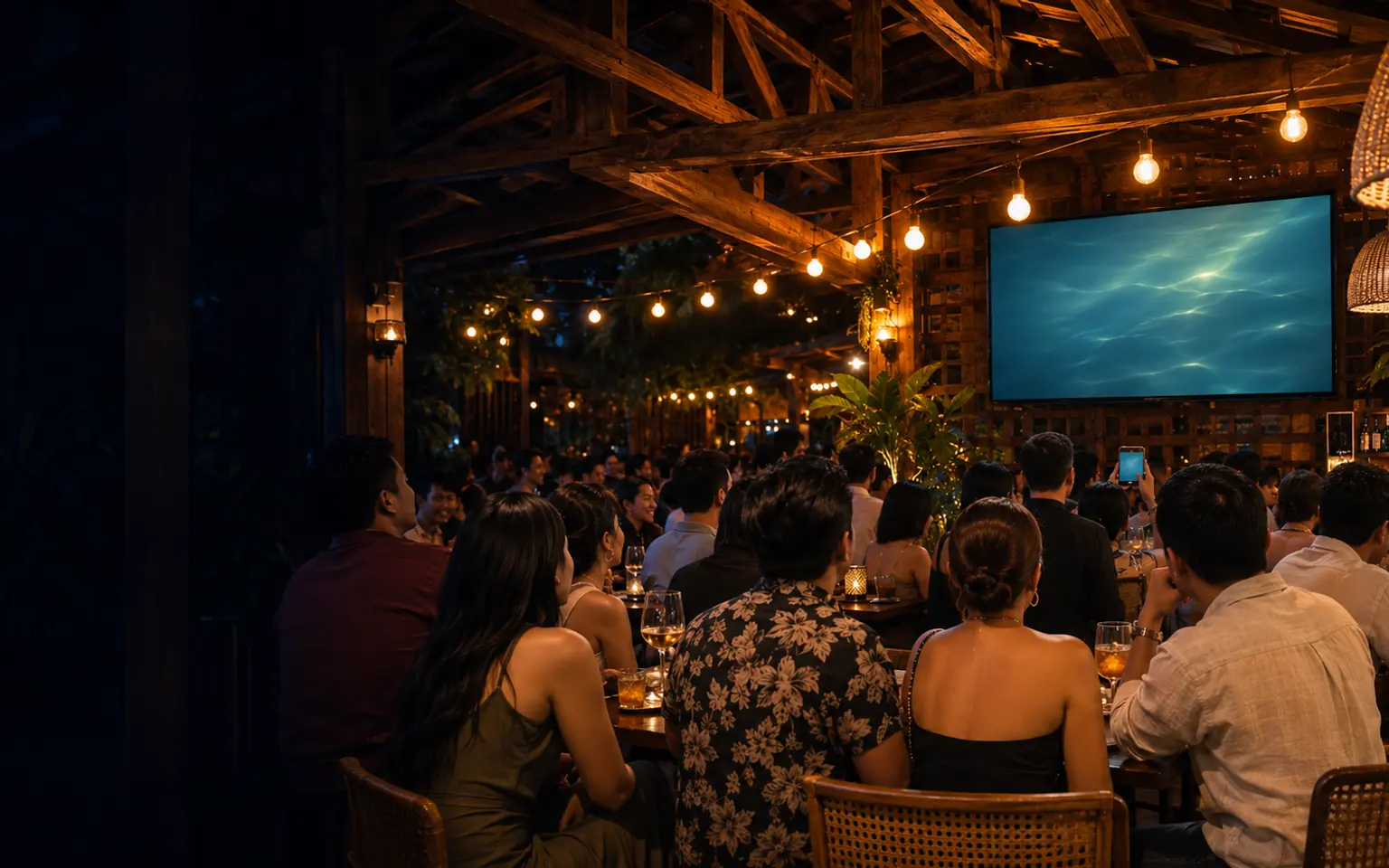
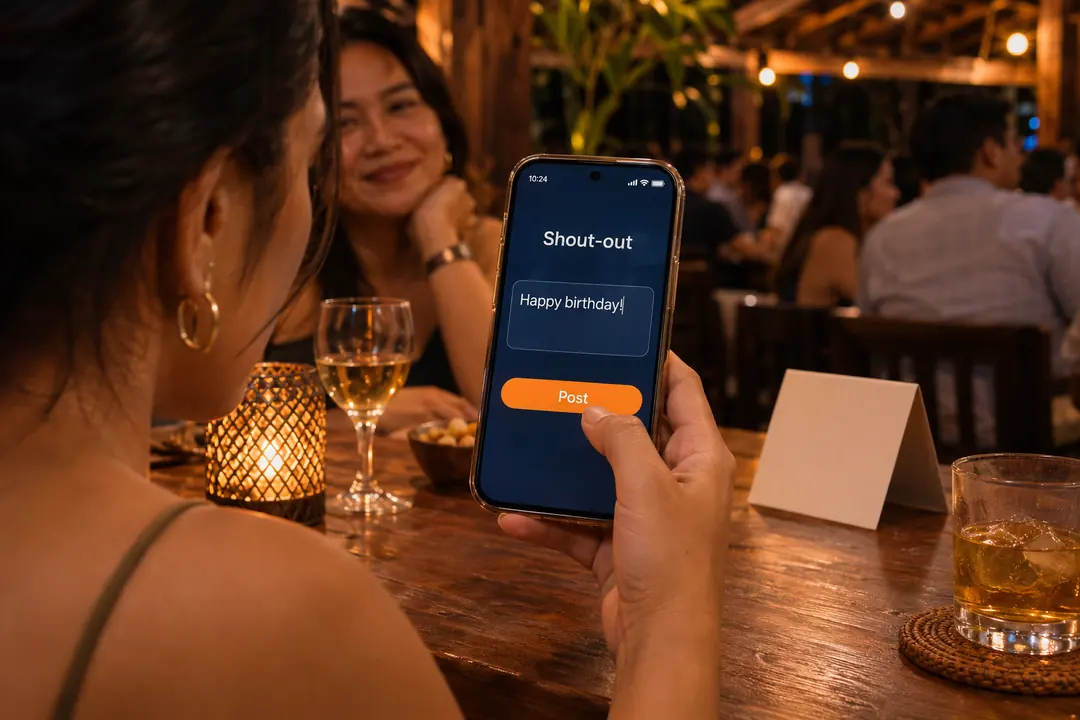
Guests scan and post
Guests scan the QR code with their phones to send shout-outs, selfies and song requests.
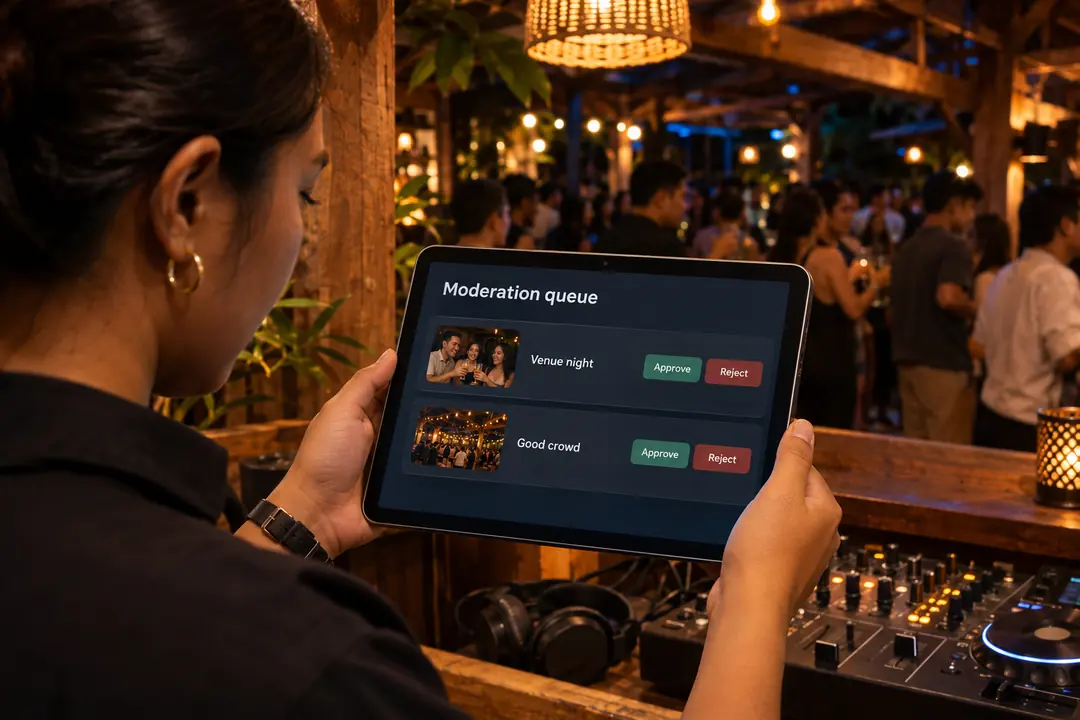
Staff approve posts
Staff use their own console to decide what goes on the wall. Pictures, @tags and flagged words always wait for staff. Paid boosts follow the same approval rules.
Approved posts go live
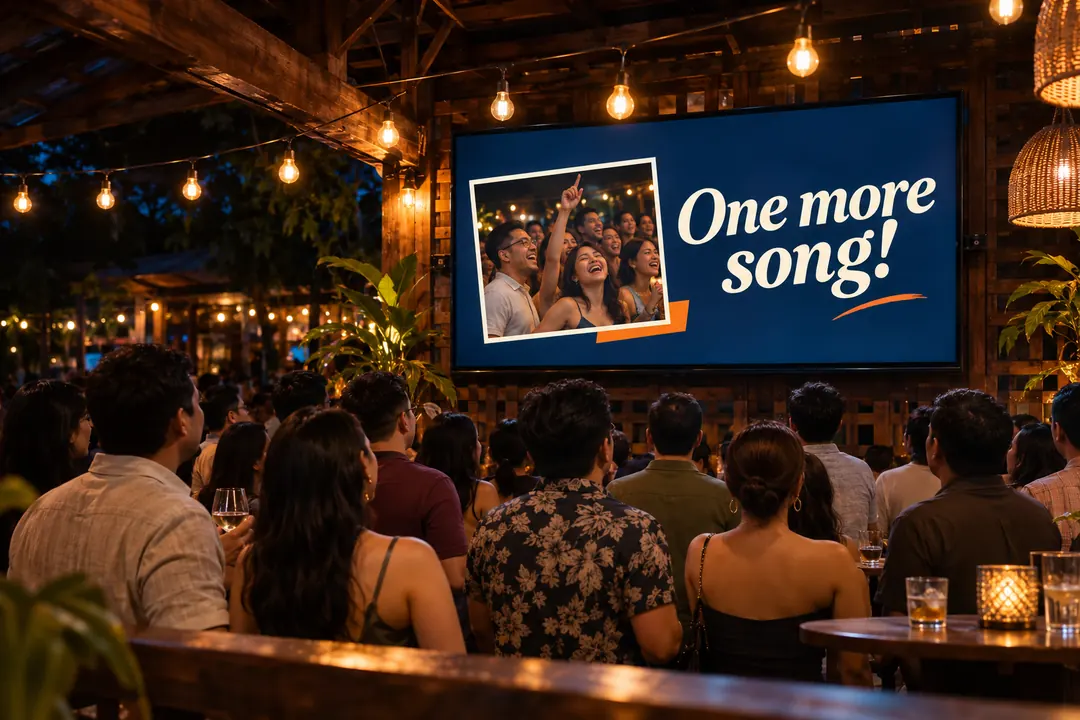
Approved posts appear on the venue's digital wall over the live camera or the backdrop you chose. You can keep the join QR code on screen.
Live phone cameras
Roam with a phone camera and put a couple, a group or the birthday girl on screen. Phones stream over the venue network and staff choose which camera goes live.
Phones stream without long HDMI runs or a separate video switcher. The wall computer still connects to the screen locally.
- Bars
- Clubs
- Beach bars
- Events